

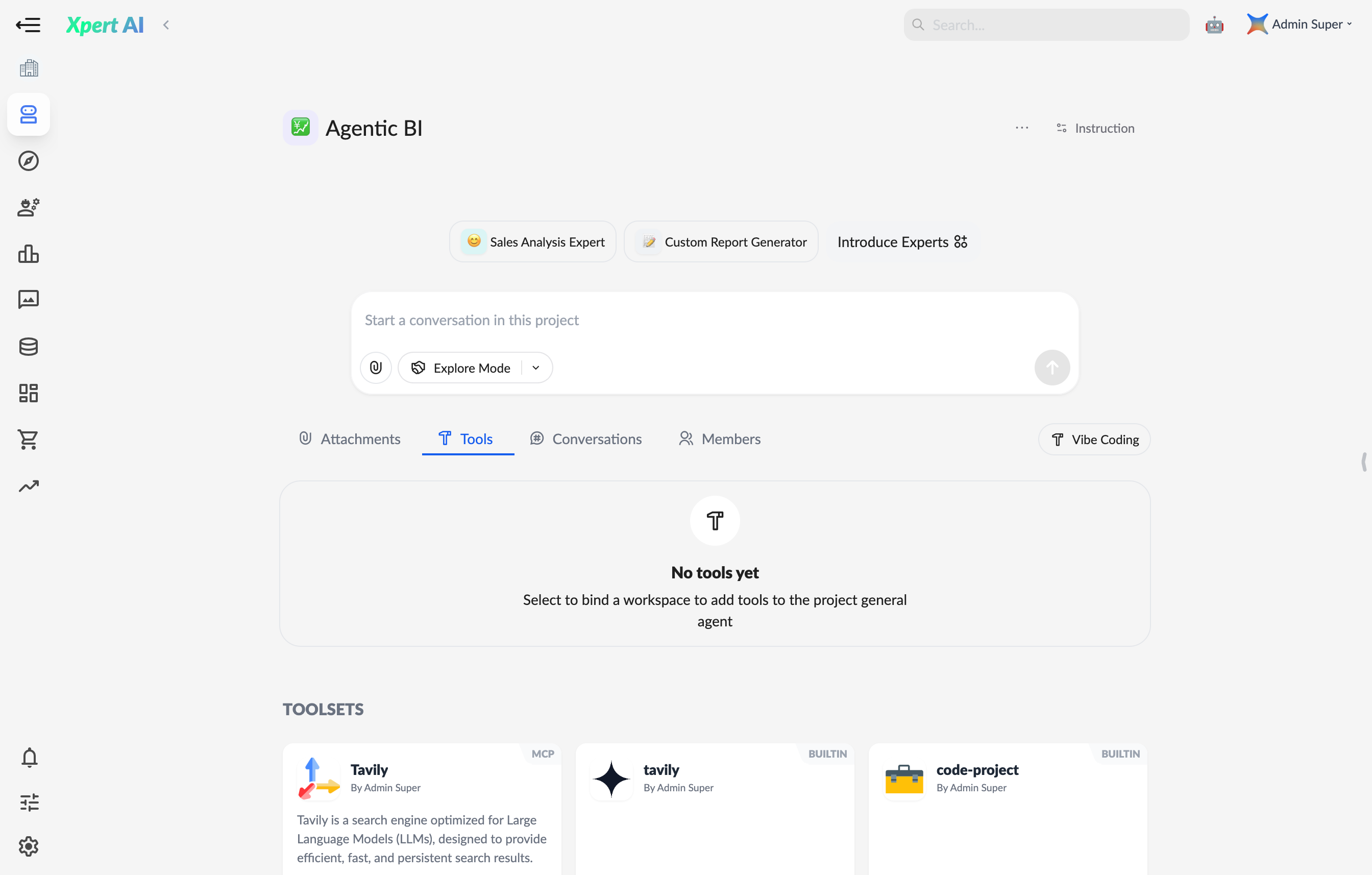
Core Features
1. Project Creation & Management
Create projects directly in the digital expert interface, customize project names and avatars. Manage all resources (agents, tools, files, session records) centrally, with editing and archiving support. Steps- Click “New Project” in the agent interface.
- Save and access the project management panel.
- Edit project name and avatar.
2. Multi-Agent Collaboration
Import published digital expert agents into projects. Agents share file storage and collaborate to generate precise solutions. Use Cases- Market Analysis: Combine “Data Analyst,” “Trend Forecaster,” and “Copywriting Assistant” for reports.
- Tech Development: Use “Code Generator,” “Test Engineer,” and “Documentation Assistant” for tasks.
3. Toolset Integration (MCP Tool Compatible)
Add toolsets (e.g., MCP tools) from bound agent workspaces to extend project agent capabilities. Tool results sync to project context in real-time.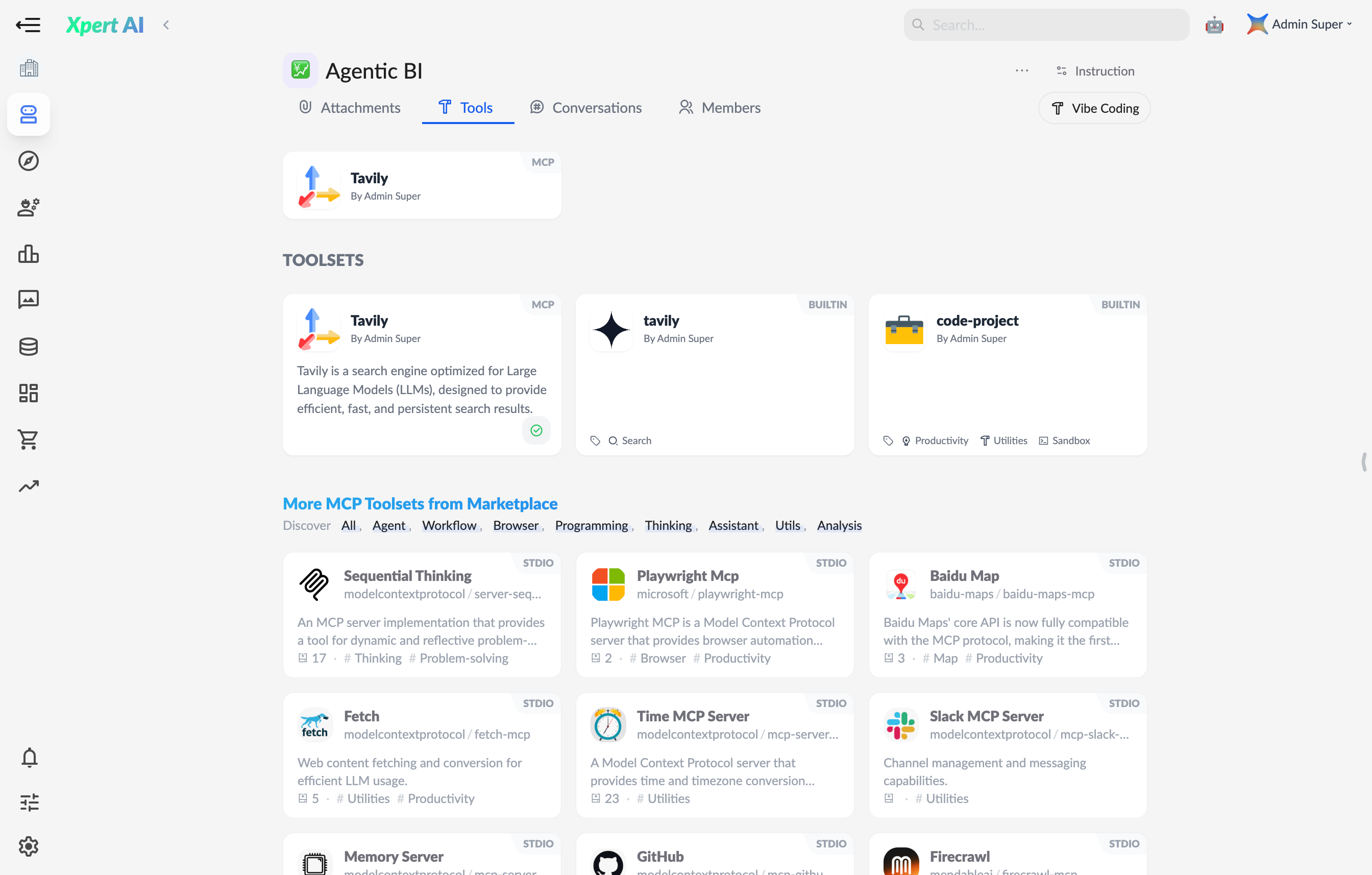
- Data processing (e.g., Excel parsing, API calls)
- Development (e.g., code debugging, version control)
- Industry-specific (e.g., data modeling, design rendering)
- Compatible with all MCP marketplace tools.
4. File Upload & Context Sharing
Upload text files (e.g., PDF, TXT, DOCX) as a global knowledge base. All agents can access file content for responses or tasks.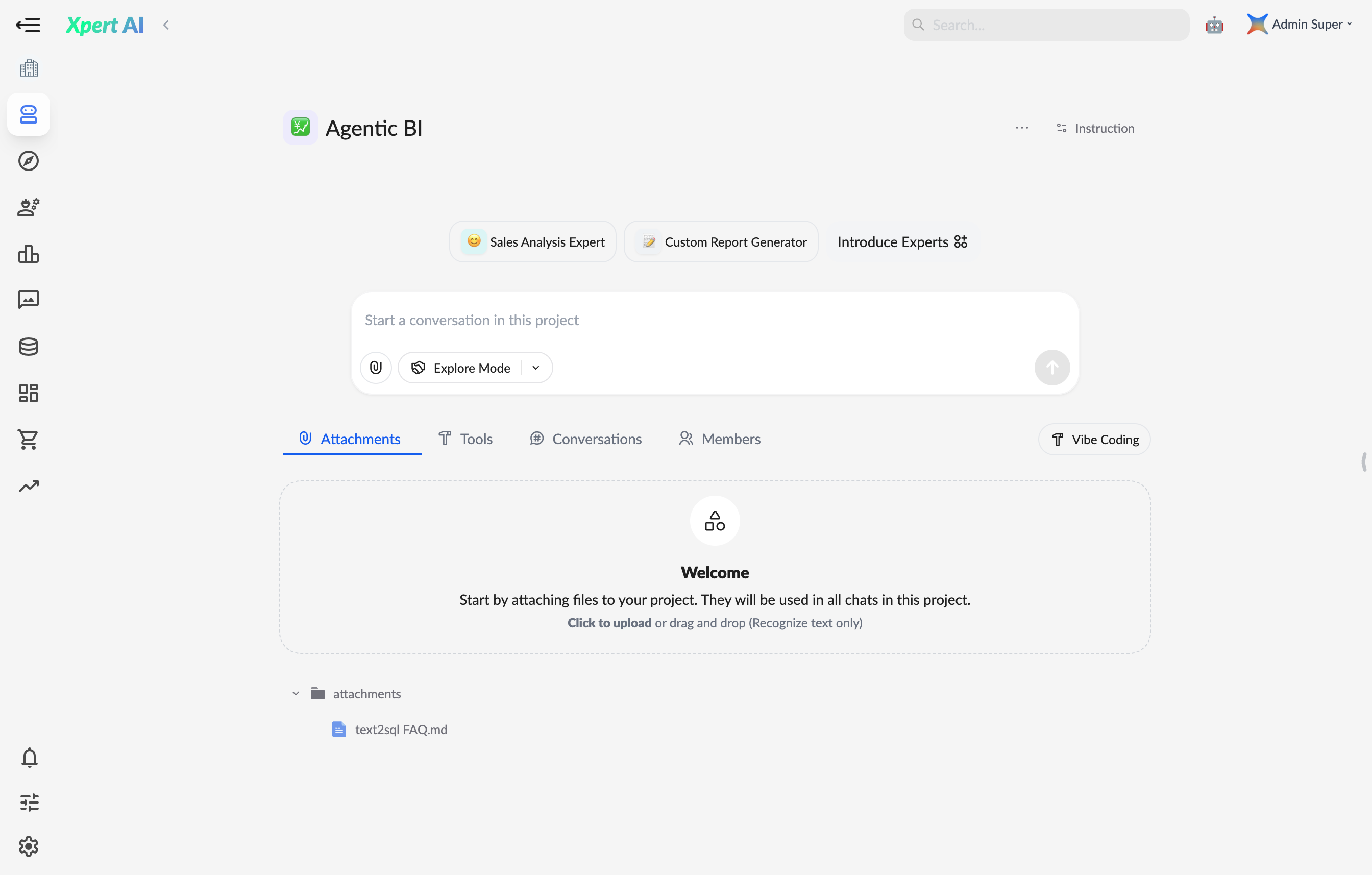
- Persistent file storage across sessions
- Automatic file content extraction for enhanced context.
5. Intelligent Execution Mode Switching
Project agents support two modes:- Exploration Mode: AI autonomously breaks down tasks and optimizes paths, ideal for rapid prototyping.
- Planning Mode: AI creates detailed step-by-step plans, suited for structured workflows.
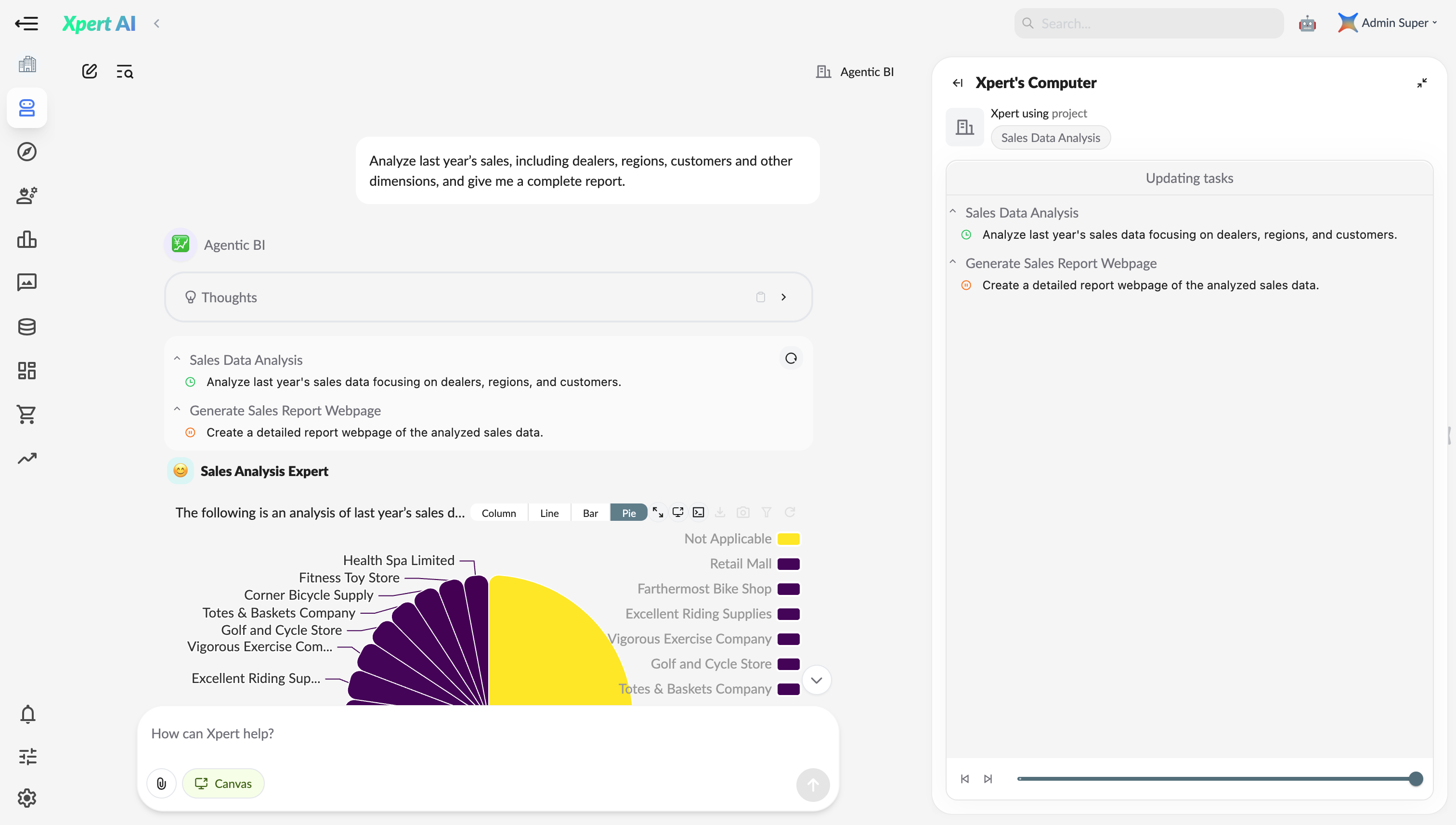
6. Team Collaboration & Permission Management
- Member Invitation: Add colleagues to co-manage projects.
- Session Management: Retain full conversation and execution history.
- System Instructions: Define project-level rules (e.g., format standards, terminology) for unified agent behavior.
Prompt Examples
- Core functionality and workflow management prompt:
Typical Use Cases
- Cross-Domain Research: Combine industry experts, data tools, and literature for in-depth analysis.
- Product Development: Automate from requirements parsing to code generation and testing.
- Team Knowledge Base: Build Q&A systems from uploaded files with real-time agent support.