

@xpert-ai/xpert-sdk, for new integrations in TypeScript or JavaScript projects. The SDK supports servers, scripts and backend workflows independently of ChatKit.
If your development environment uses Python, Java, Go or another language, use the TypeScript SDK implementation and the HTTP API reference below to build a client or SDK in that language. Preserve the authentication, request and response structures, SSE event handling and reconnection behavior. Follow the latest official documentation and TypeScript SDK source for current usage.
Before you start
- Publish the agent and obtain its ID (
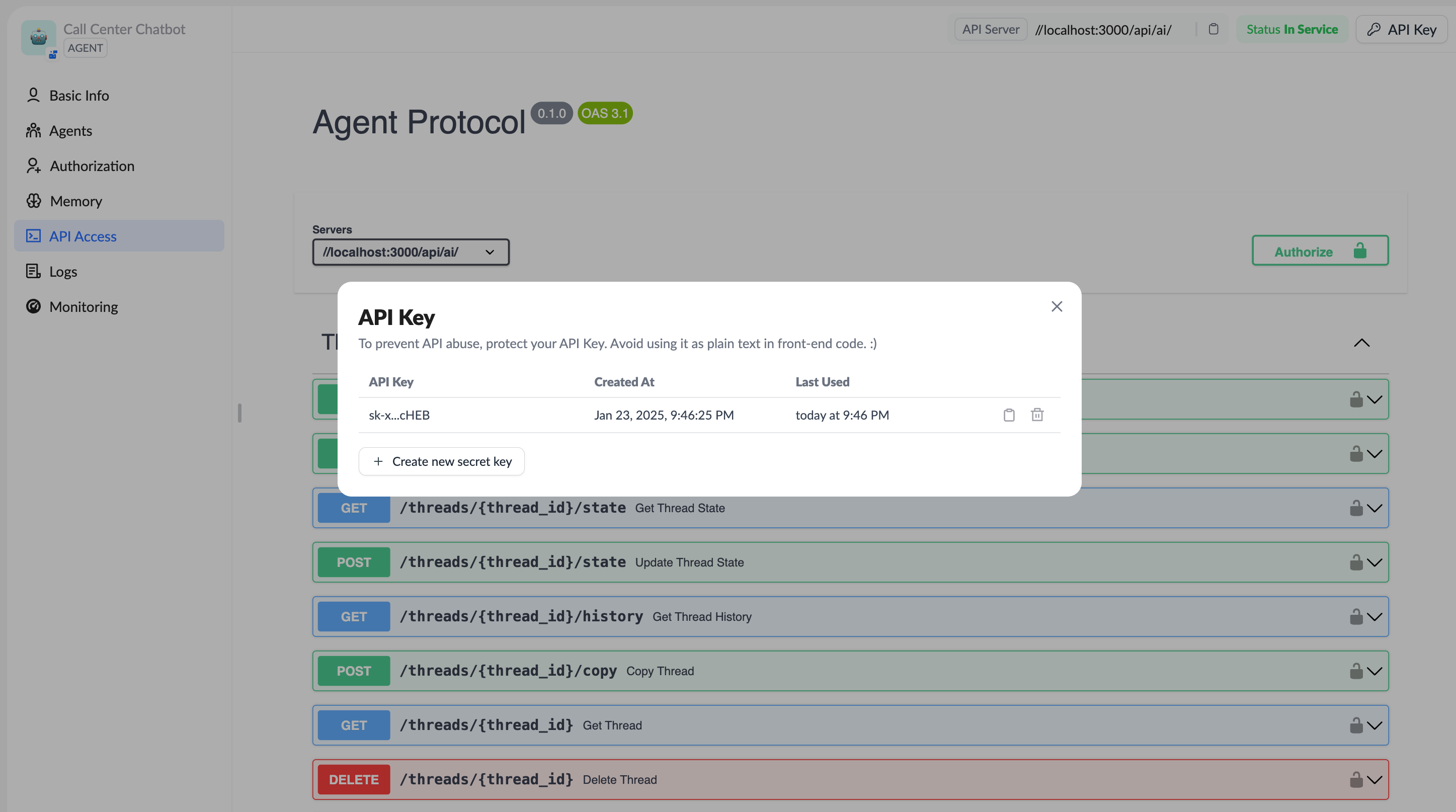
xpertId), theassistant_idfield from agent search. - Create an API Key with access to that agent and store it in a server environment variable.
- Set
XPERTAI_API_URL, for examplehttps://api.xpertai.cn/api/ai. Use your own address for private deployments; do not append/v1. - Use Node.js 18 or later and install the SDK:
Start a conversation with the SDK
This example creates a thread and starts a run, then waits for its result. SetXPERTAI_API_KEY and XPERTAI_XPERT_ID before running it.
thread.thread_id and reuse the thread for subsequent messages with client.runs.wait() or client.runs.stream().
For an agent conversation, pass assistantId when creating the thread and use the same agent ID for subsequent runs. The SDK serializes assistantId as the HTTP field assistant_id. The protocol allows omission to create an unbound thread under the current request identity. If a later run uses a different execution identity, conversation access checks can return 403. Binding the agent at creation establishes its scope early; it does not grant additional access.
Thread creation succeeds, but the run returns 403
201 Created confirms thread creation, not permission to run the agent. If a run returns You do not have access to this conversation:
- Confirm that the API Key can access the published agent. Create a new thread with
client.threads.create({ assistantId: xpertId }), then pass the samexpertIdto the run. Changing the example does not repair a previously created thread. - Use the same credentials and caller identity when creating and running the thread. Do not reuse a thread belonging to another user or an unrelated agent.
- If a new, bound thread still returns 403, have the administrator check the API Key’s effective caller, the conversation’s owner (
createdById) and agent binding (xpertId), and the deployed server version. SupplyingassistantIddoes not bypass ownership or scope checks and cannot resolve every 403.
Receive streaming output
For real-time progress, replace theruns.wait() call in the same main() function with:
client.runs.joinStream(threadId, runId); it subscribes to an existing run and does not start a new one.
To print only answer text as it arrives, replace the loop above with the following. Handle other events in your application’s lifecycle logic; filtering text alone does not establish whether the run succeeded.
Query agents
The snippets below reuseclient, xpertId, thread and input from the first example. Use them as needed in the same main(). They retain the original agent, thread, run and storage use cases.
Search and retrieve an agent
client.assistants.search() calls POST /api/ai/assistants/search and returns an array of accessible published agents. Select the target agent and use its assistant_id as XPERTAI_XPERT_ID (the xpertId or XP variable in examples). To find a specific agent, pass metadata: { slug: "your-xpert-slug" } with the search options.
Create and manage threads
Specify a thread ID
Read thread lists, details and current state
getHistory() support.
Continue a conversation in the same thread
Background runs and run management
Create a background run
create() returns a run record while execution continues in the background. wait() starts a new run and waits for its result. These are alternative invocation styles; do not call both for the same message.
Read status and list runs
Reuserun.run_id returned by background creation:
Cancel an active run
Execute this when cancellation of that run is intended:Reconnect to an existing run
Savethread_id and run_id from creation. Streaming creation also exposes the run ID through the onRunCreated callback of runs.stream(). After a disconnection, use joinStream() to subscribe to that existing run:
runs.create() or runs.wait() call is not a reconnection and can repeat execution.
Upload an attachment before a conversation
Upload through the current SDK’scontexts client, then pass the returned file handle to the agent:
Persistent Store
Store examples remain available for saving and reading data across runs. Use the agent ID as the first namespace segment; this example adds a child namespace.Write and read
List namespaces and search data
searchItems() accepts the namespace array as its first argument and query options as its second. Semantic query search requires the appropriate memory model configuration; the example only lists data in the namespace.
Compatibility and unsupported calls
A method exposed by the SDK is not proof that the target deployment implements its server capability. In the current platform source, the following calls from the old examples cannot be presented as runnable cases:
These are specific support limits, not deprecation of agent queries, thread management, runs or Store examples. Verify SDK and server versions for private deployments.
Common SDK capabilities
See the SDK repository for SDK updates and complete examples.
HTTP API reference
For direct HTTP integration, the HTTP API Reference sidebar group provides method badges, request fields, responses, cURL examples and a playground for the endpoints used above. These are the current SDK endpoints, independent of ChatKit. Authenticate with your server-side API Key usingAuthorization: Bearer <API_KEY> or x-api-key.
Start by creating a thread, then start a streaming run, or create a background run. To recover an interrupted connection, subscribe to the existing run; do not start the same task again.
HTTP wire fields can differ from SDK option names: for example,
assistant_id, thread_id and max_depth. Use the request schema on the specific endpoint page. This reference covers the guide’s examples; methods listed above as unsupported are not presented as available endpoints.