Enterprise Self-Built Applications
Feishu Enterprise Self-Built Applications refer to applications developed and deployed by enterprises using the open interfaces and development tools provided by the Feishu platform. These applications can be customized to meet specific business processes, team collaboration, information management, and other internal needs of the enterprise. To access the developer backend of the Feishu Open Platform: https://open.feishu.cn/app Click on Create Enterprise Self-Built Application, enter the application name and information to create it successfully, then add the bot capability in Add Application Capability, and navigate to the bot configuration page:Bot Settings
Input basic information such as “How to get started.” Click to go to Events and Callbacks to add the “Card Callback Interaction” callback for the card.Event Configuration
To receive message events sent by Feishu, you first need to configure the event request address:<Your server>/api/lark/webhook/<id>
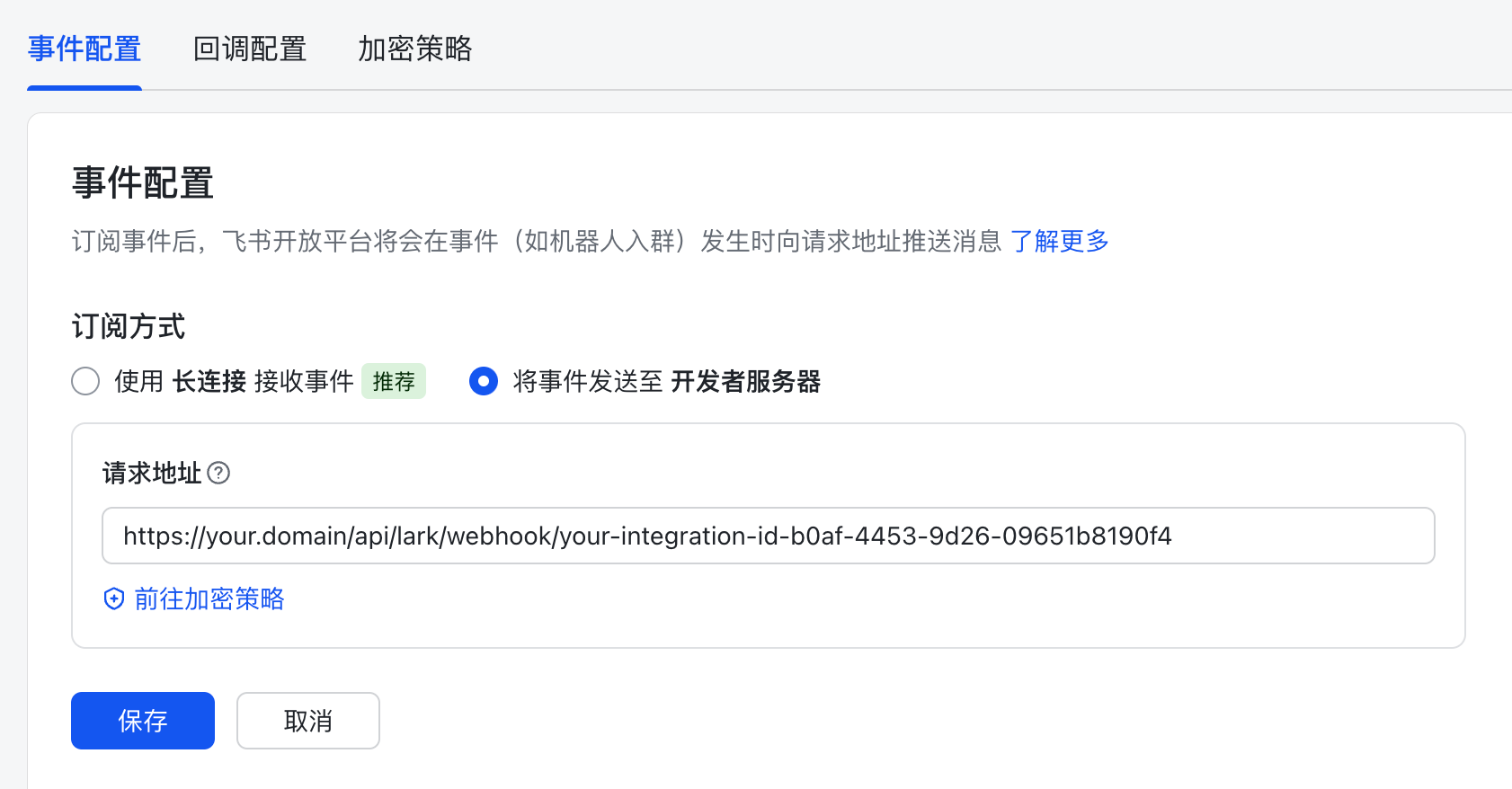
- Refer to the “Callback Address” attribute in System Integration - Feishu Integration Configuration.
im.message.receive_v1Receive messages v2.0application.bot.menu_v6Custom bot menu events v2.0
Callback Configuration
Request address (same as the event configuration request address):<Your server>/api/lark/webhook/<id>
Subscribed callbacks:
card.action.triggerCard Callback Interaction
Permission Management
The following permissions need to be enabled for this self-built application:im:message:send_as_botcontact:contact.base:readonlycontact:user.email:readonlycontact:user.phone:readonlycontact:user.employee_id:readonly
Custom Bot Menu
If you want to configure a model switching function in the custom bot menu, add the menu according to the following rule:select_model:e7dc6846-c893-411a-90a2-0885a45fd5f1
Replace the uuid with the corresponding dialog model’s id.
System Settings
Environment Configuration
When installing and deploying the system, configure the role name, which is the role initially assigned to the user created automatically by Feishu.File .env
Data Source
Taking the SAP system as an example, create a data source that connects to the S/4HANA system.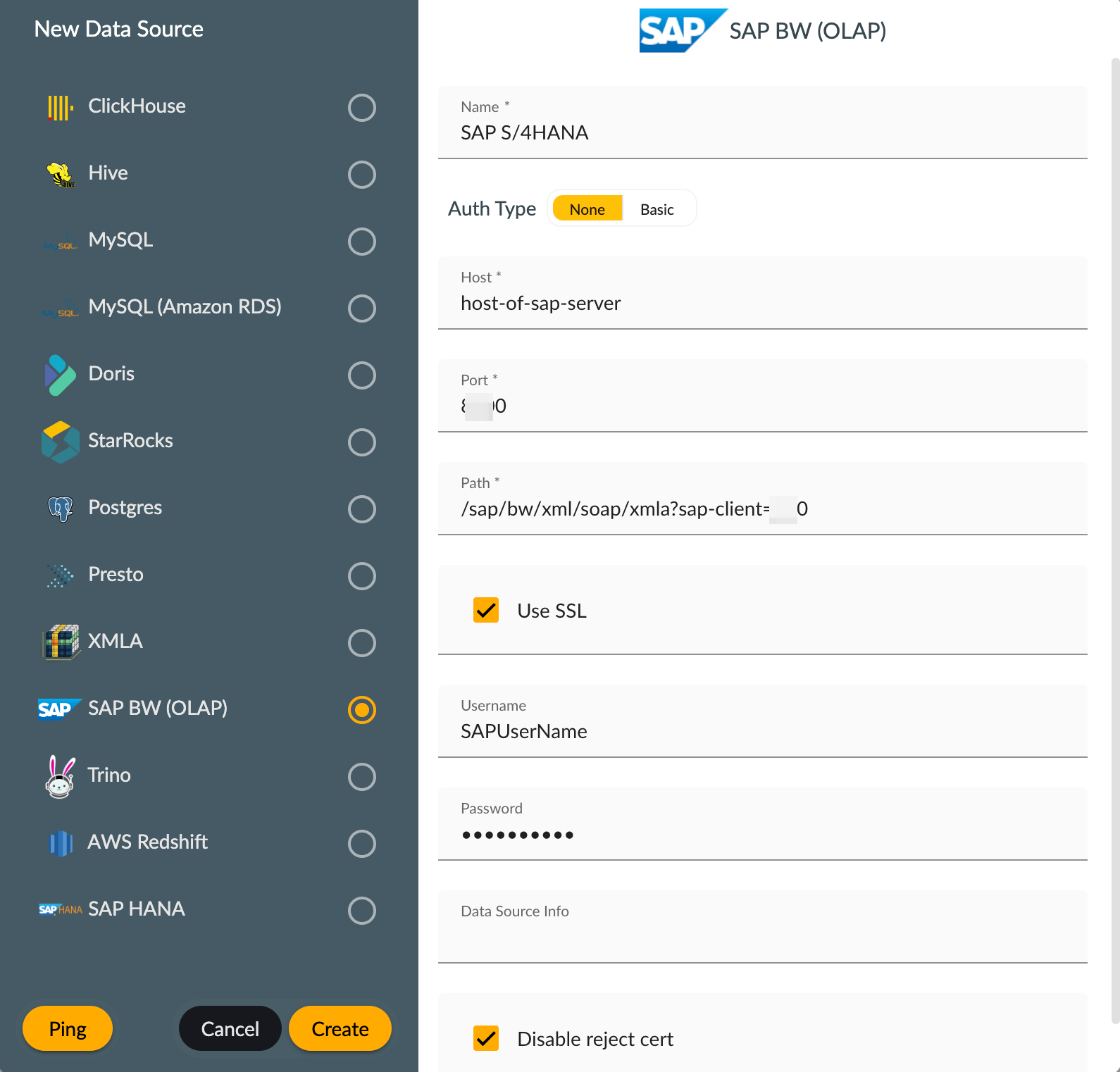
Semantic Model
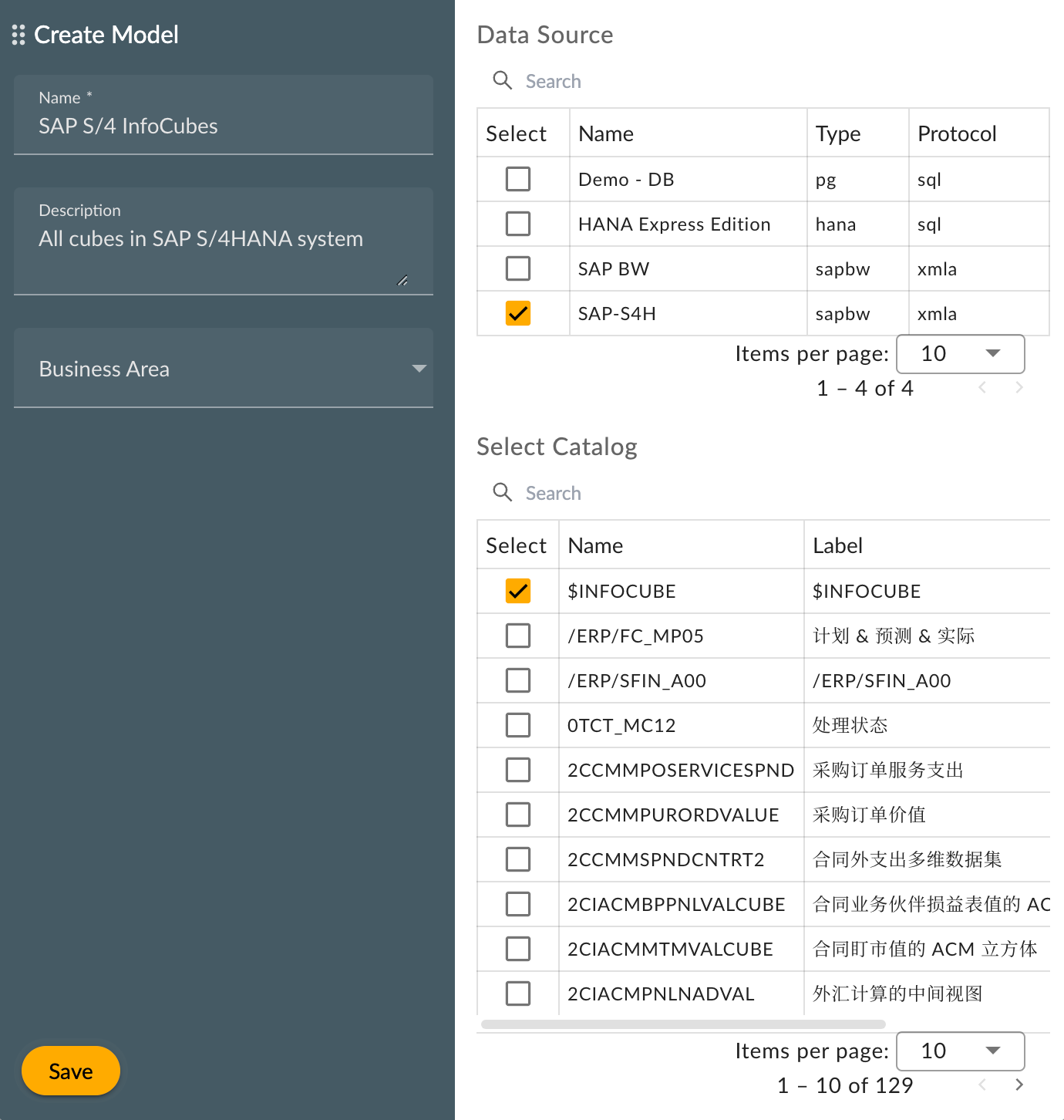
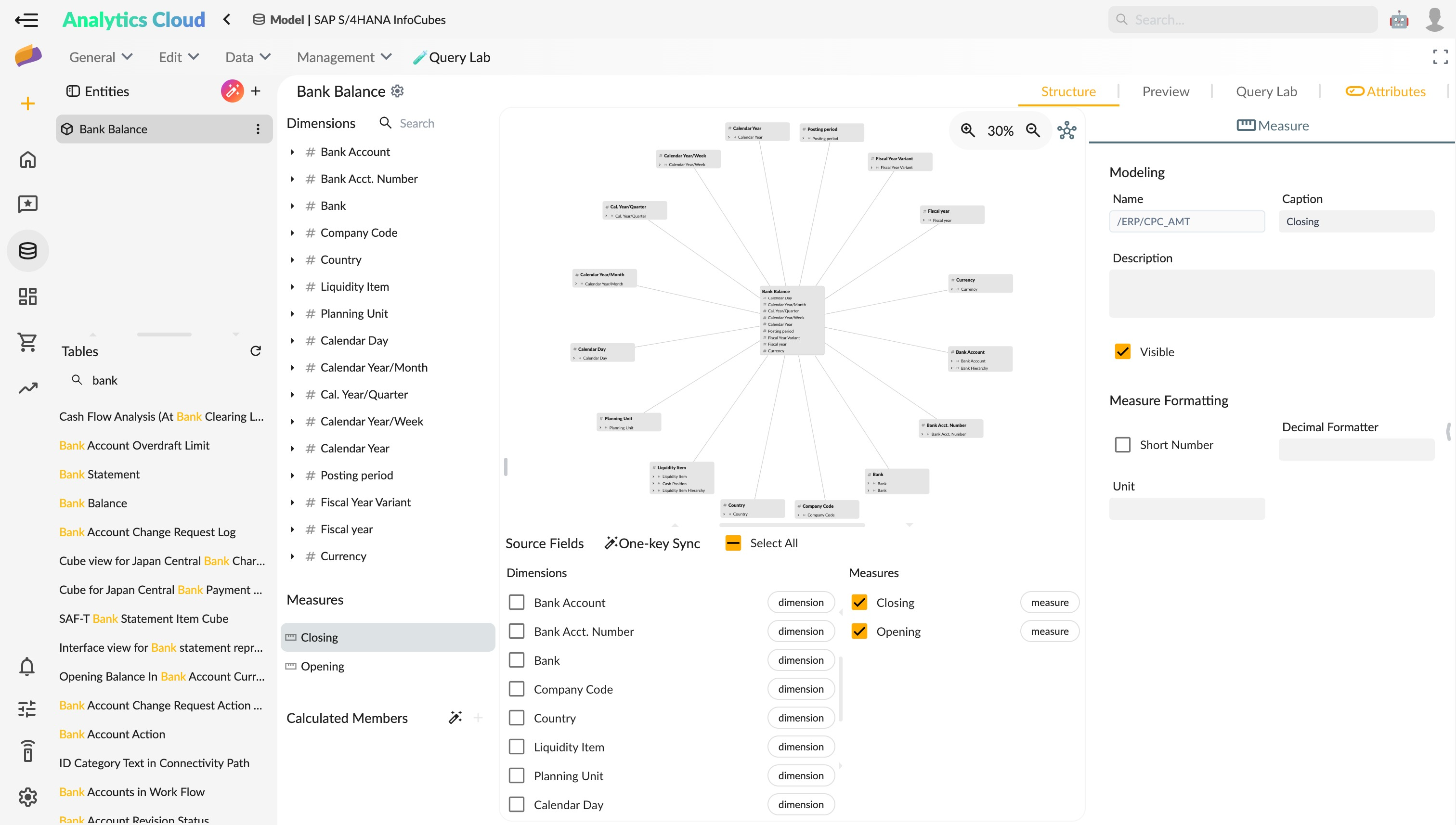
By connecting the data source of the S/4HANA system, create a semantic model for the cubes or individual queries in the SAP system, and interface it to ChatBI after semantic enhancement.