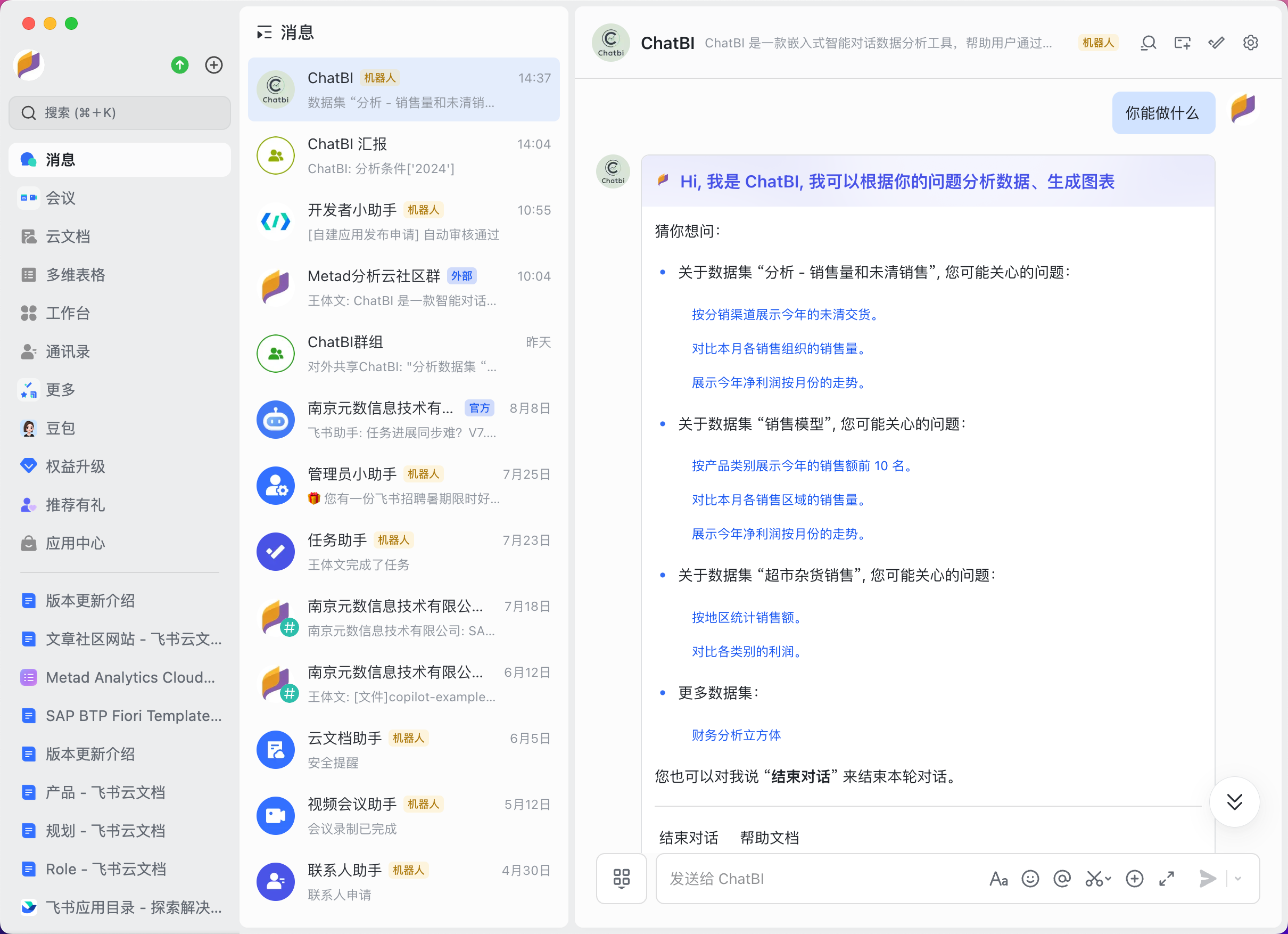
When starting a conversation, the ChatBI bot will present common questions related to the currently available data models, helping users quickly begin the dialogue. Users can directly click on the questions they are interested in or manually input custom questions to initiate a conversation.
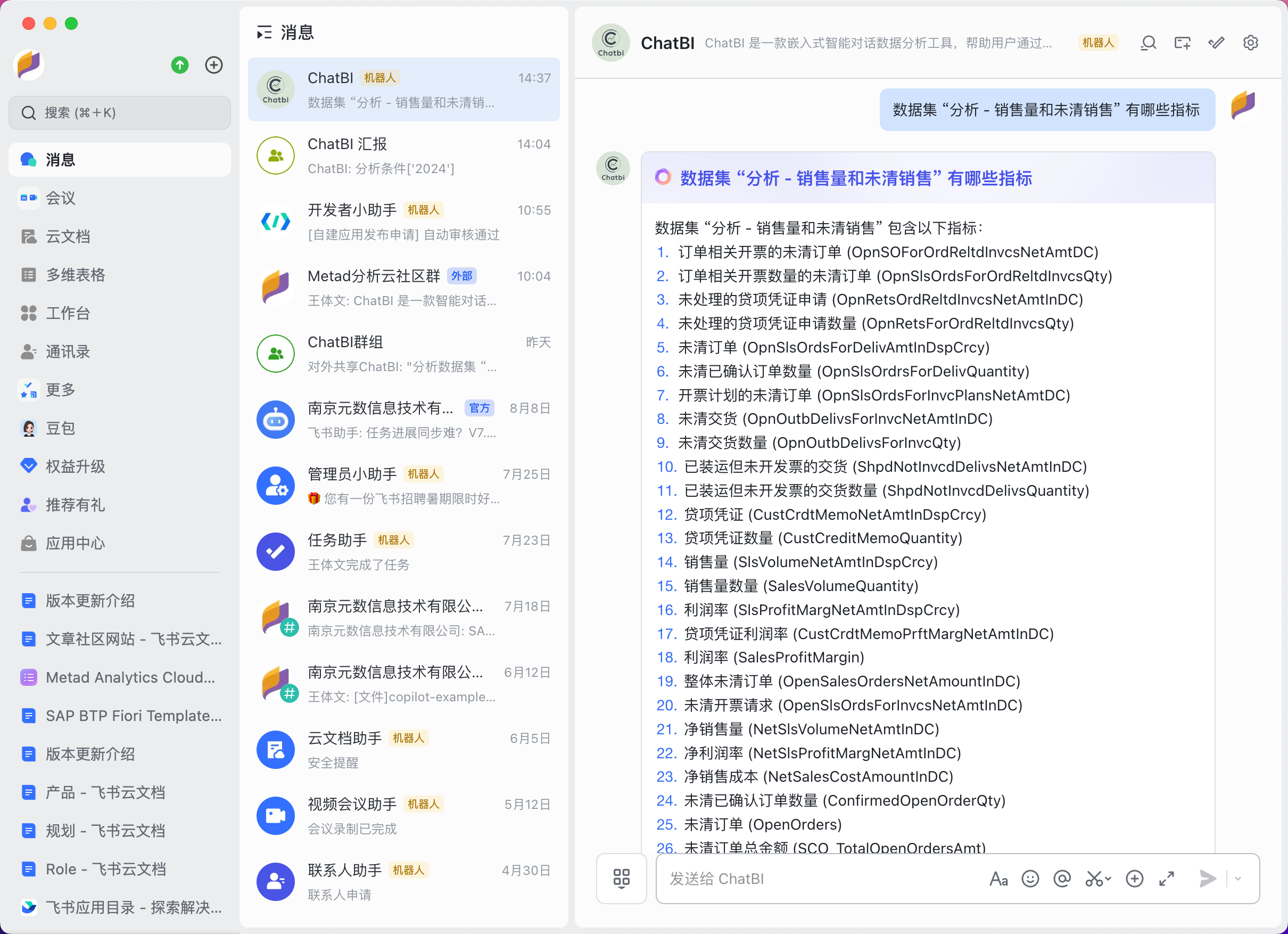
Basic Questions
Users can freely ask questions related to data models, such as inquiring about specific metrics, dimensions, or what kinds of charts ChatBI can create.
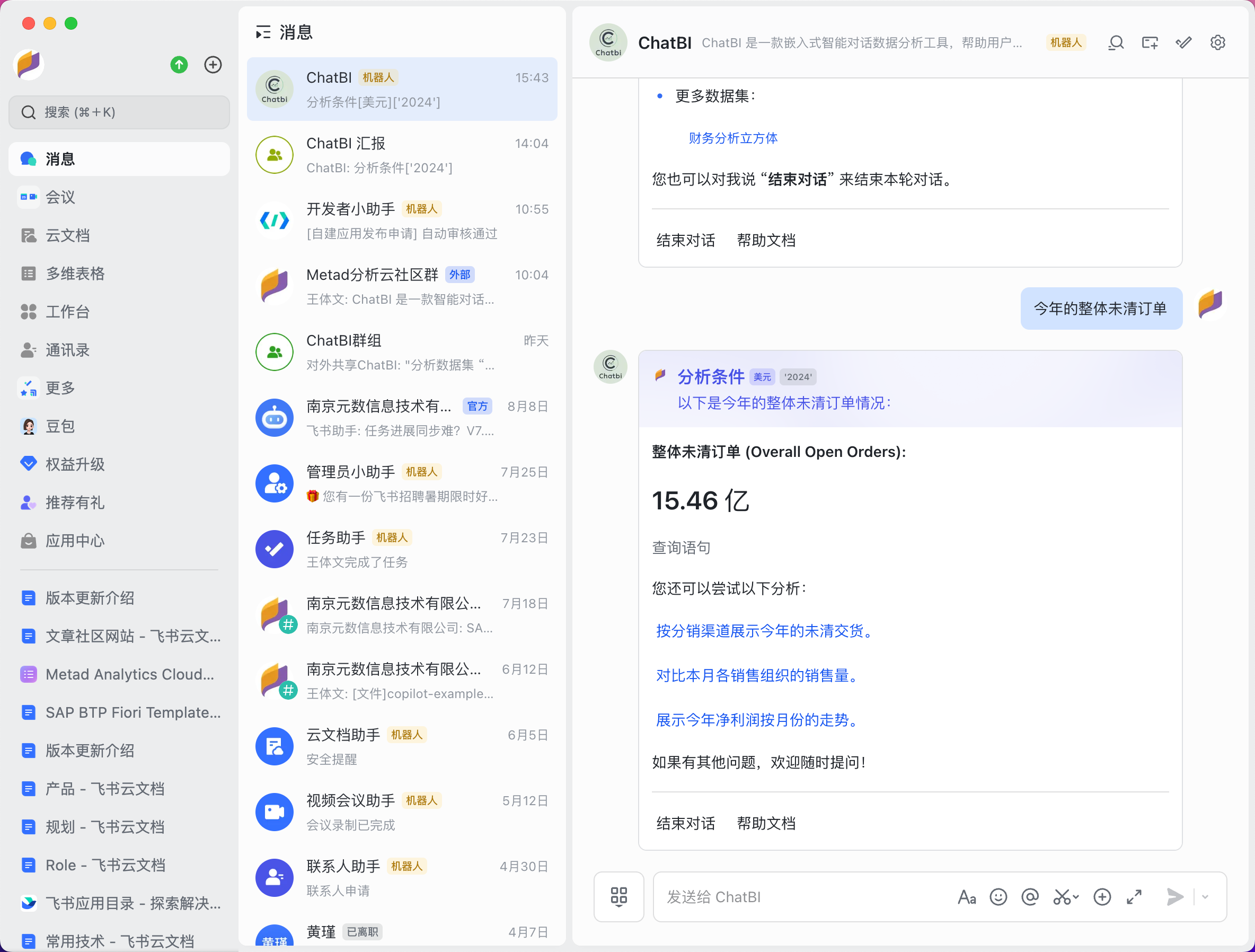
 Whether asking data-related questions or clicking on examples for a quick conversation, ChatBI will refer to the knowledge base to find relevant information related to your query based on the data model and then call the large model to provide an answer. Based on the answer given by the large model, ChatBI will retrieve the actual data from the data source and return it to the user in various forms, such as charts, metrics, or tables.
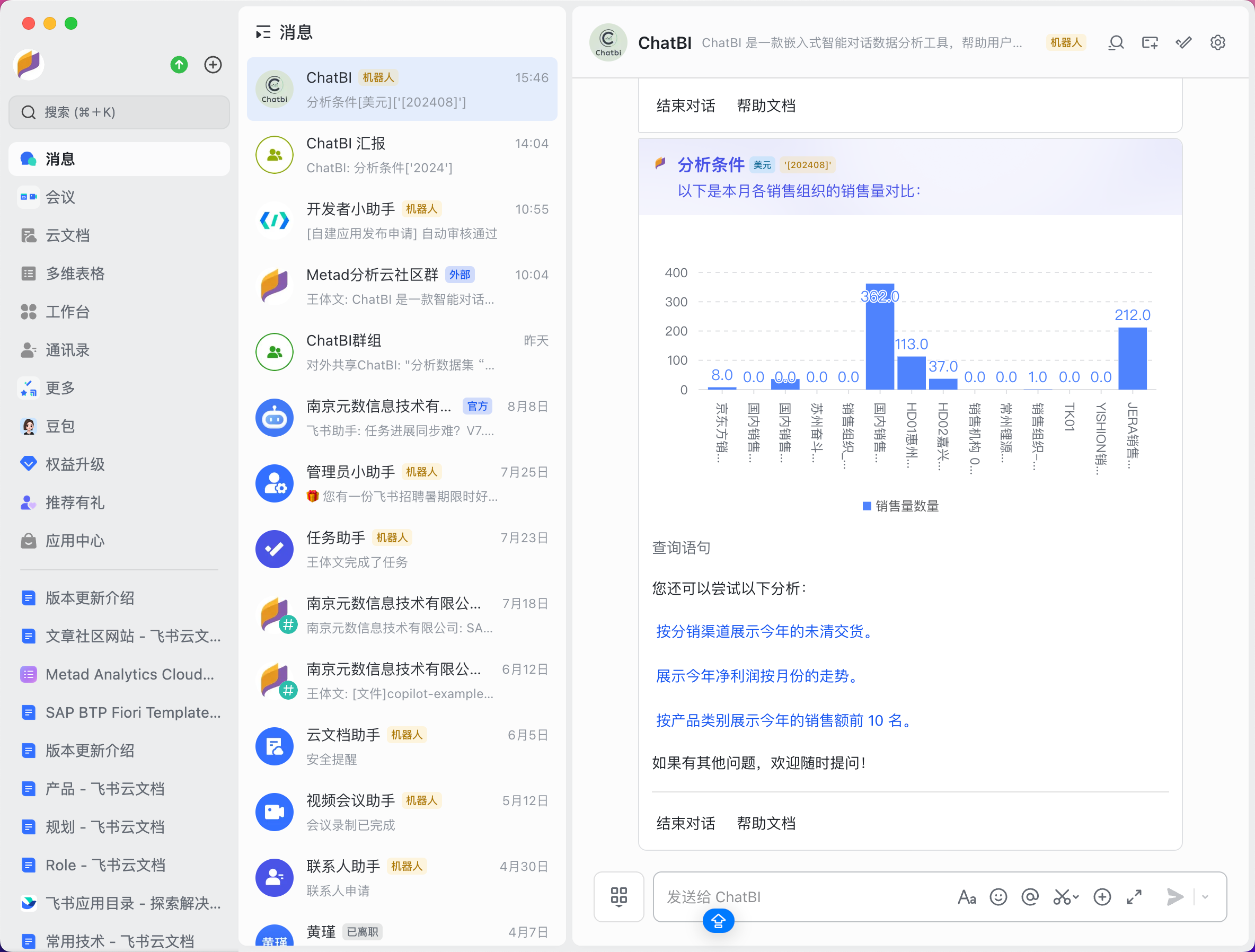
 If the data result is returned in the form of a chart, the bot currently supports three types of charts: bar charts, line charts, and pie charts.
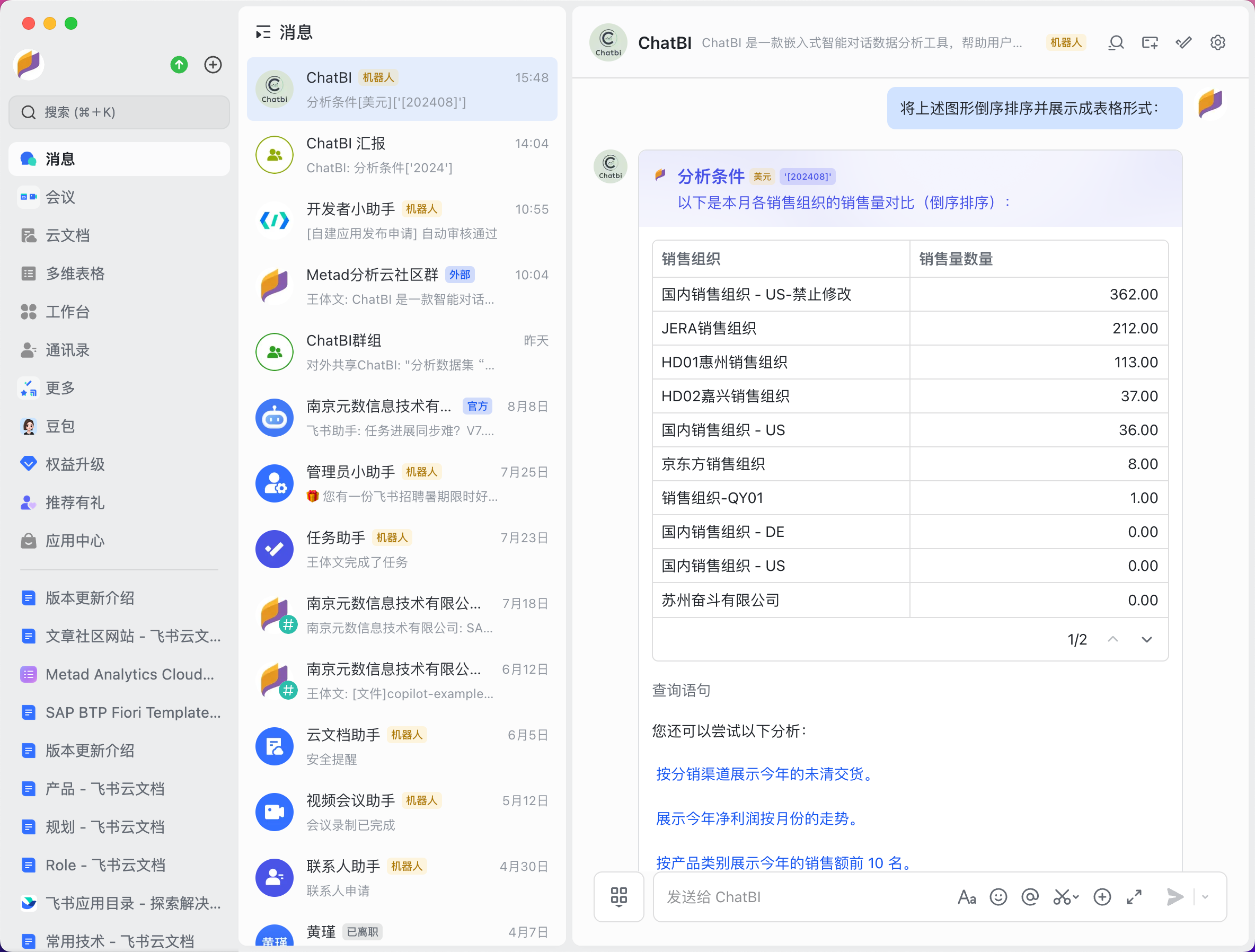
 Data can also be returned in the form of data tables within the message.
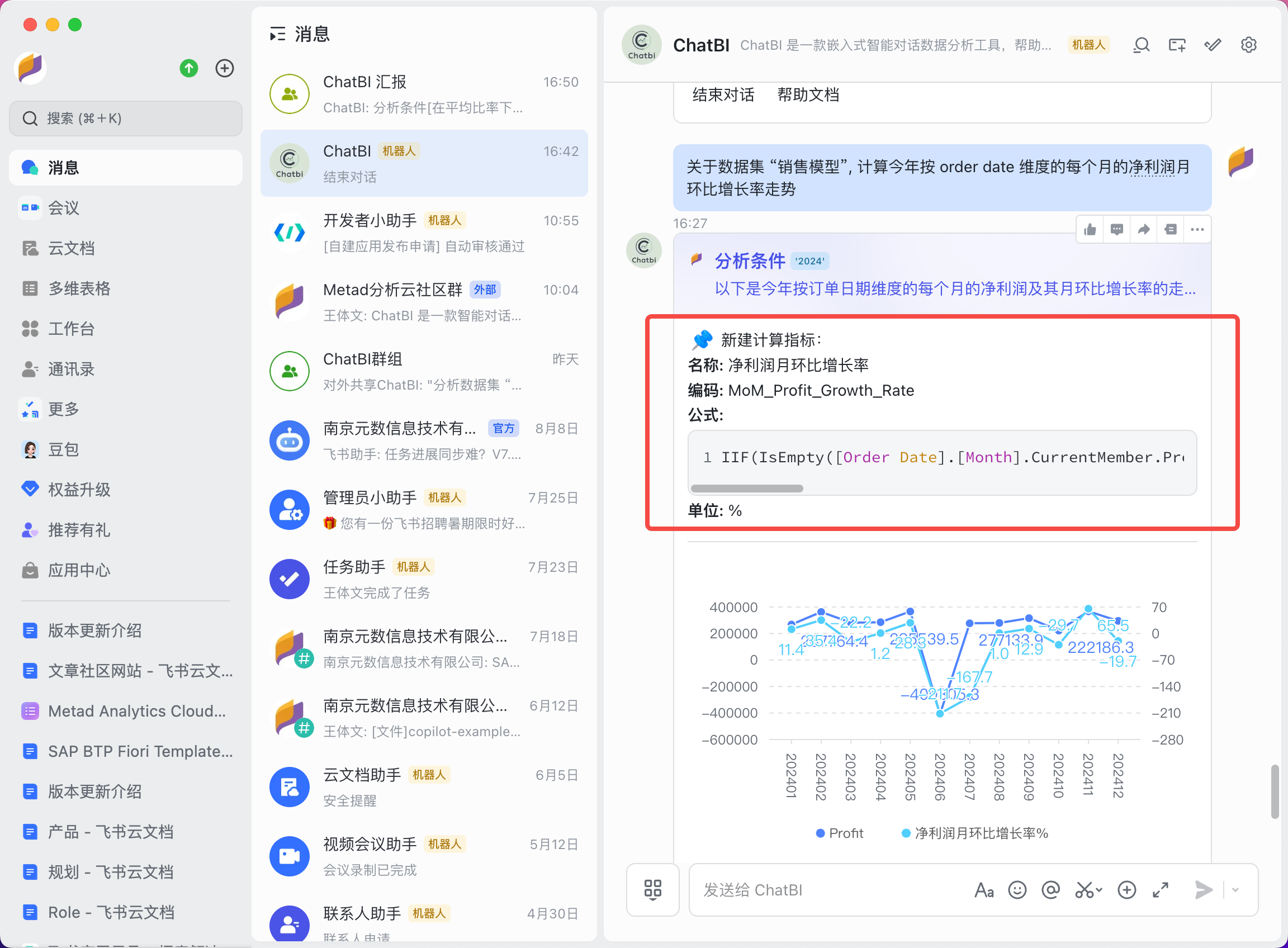
Calculated Metrics Questions
For metrics that don’t have a direct corresponding measure, ChatBI will automatically create a calculated formula metric and use this calculated metric to answer the question, providing relevant data results.
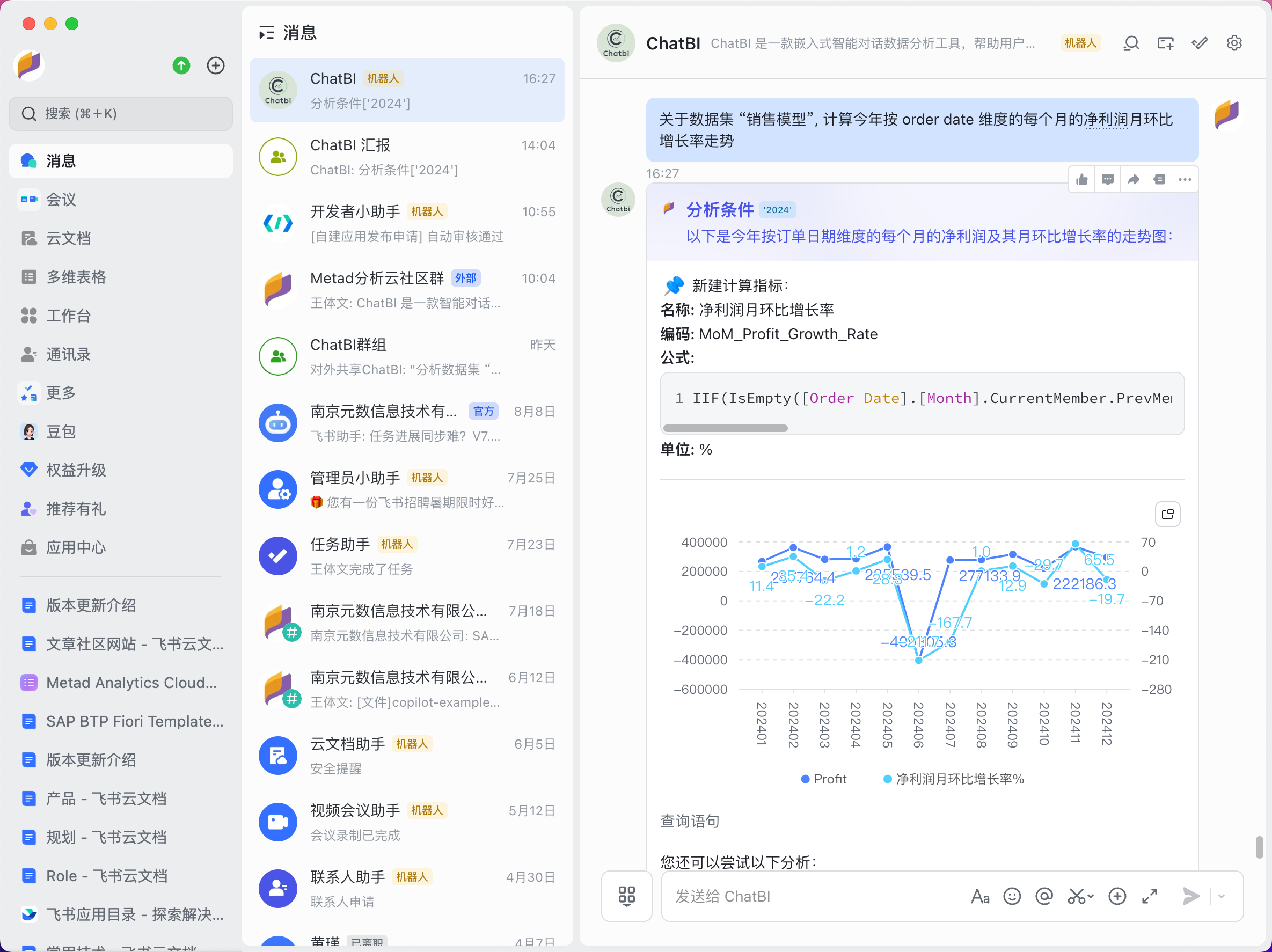
The accuracy of calculated metrics also depends on the richness of the knowledge in the knowledge base. Please import the relevant knowledge base before using ChatBI.
Multi-turn Conversations
The technology behind ChatBI belongs to multi-turn conversational agents. Each time a question is answered, the context of the current conversation is included in the large language model’s request, allowing for a more intelligent understanding of the user’s question context.
Users can click the “End Conversation” button below the bot message or manually input “End Conversation” to conclude the current conversation. Asking again will start a new conversation context.
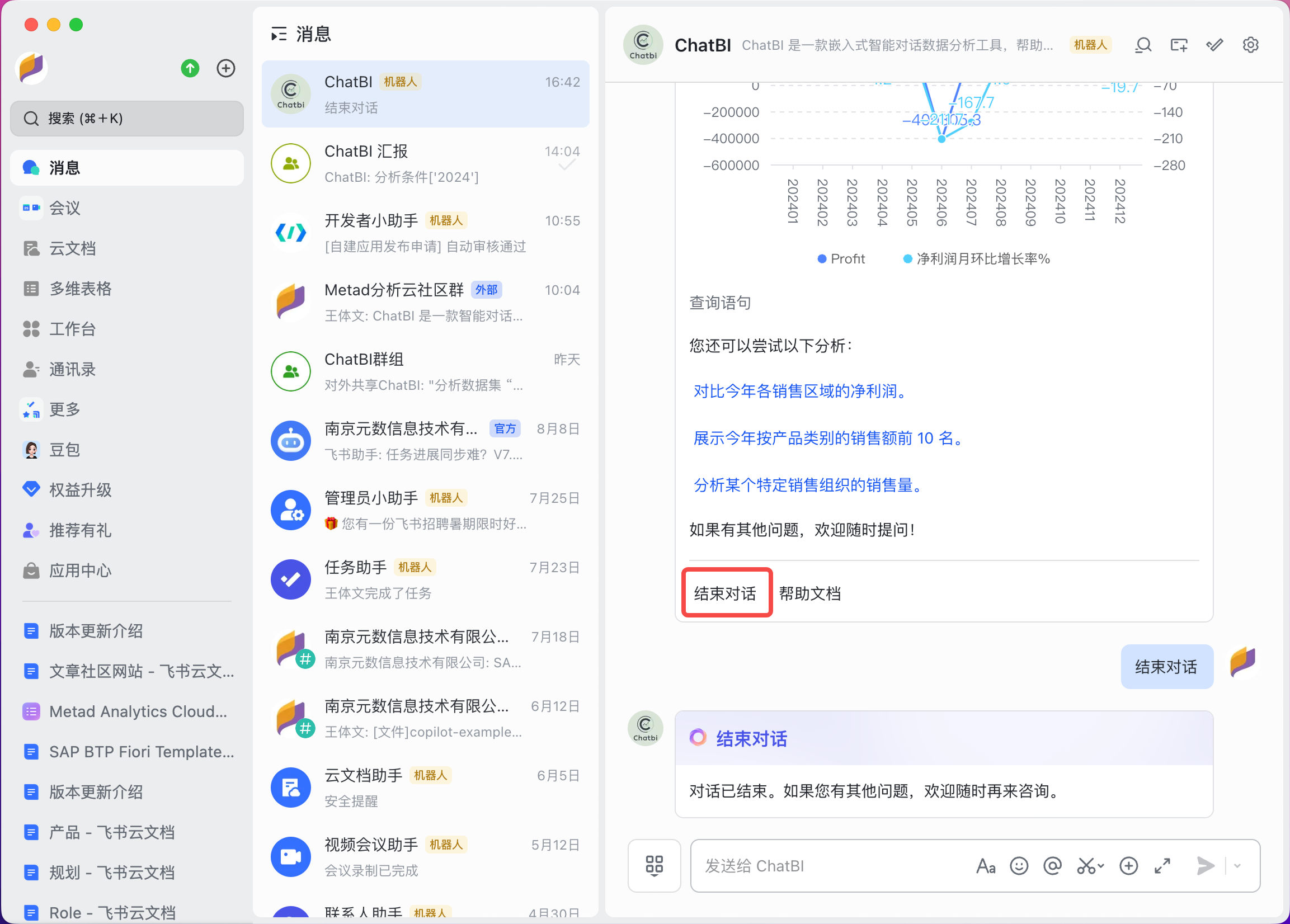
To avoid unnecessary content or reduce token usage, please end the conversation promptly.
Group Chat Conversations
In addition to one-on-one conversations, ChatBI supports multi-turn conversations among multiple users within a group. When chatting with the ChatBI bot in a group, users need to @ the bot and input their questions. Different users will have different conversation contexts, but if one user clicks on an example button in another user’s message, the conversation will continue within the original context.
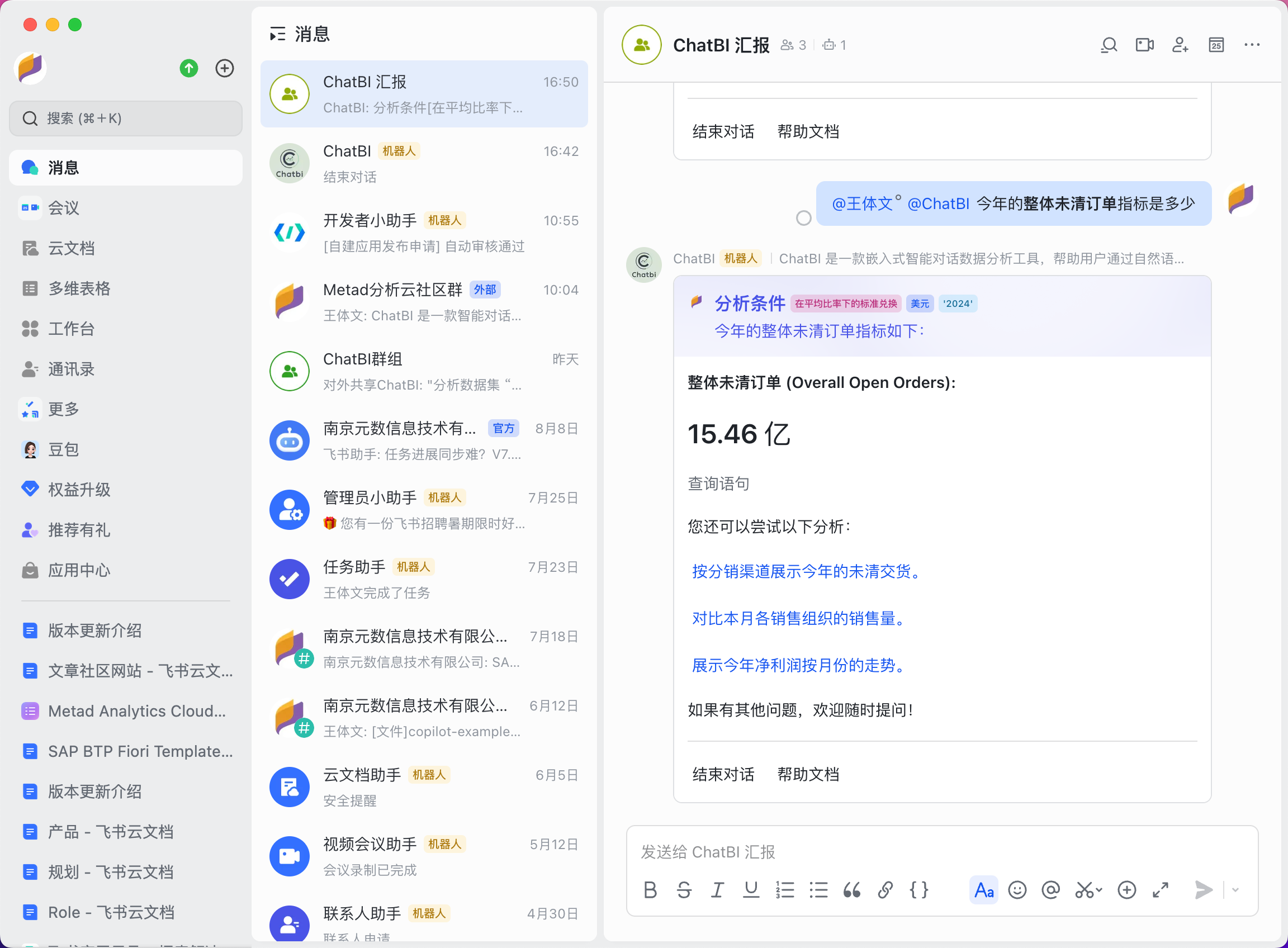
@ your boss in the group and @ ChatBI with a question, and let ChatBI intelligently analyze the data for your boss!
Sharing and Forwarding
Users can forward ChatBI’s answer messages to others or to a group, making it easier for colleagues to collaborate more efficiently.
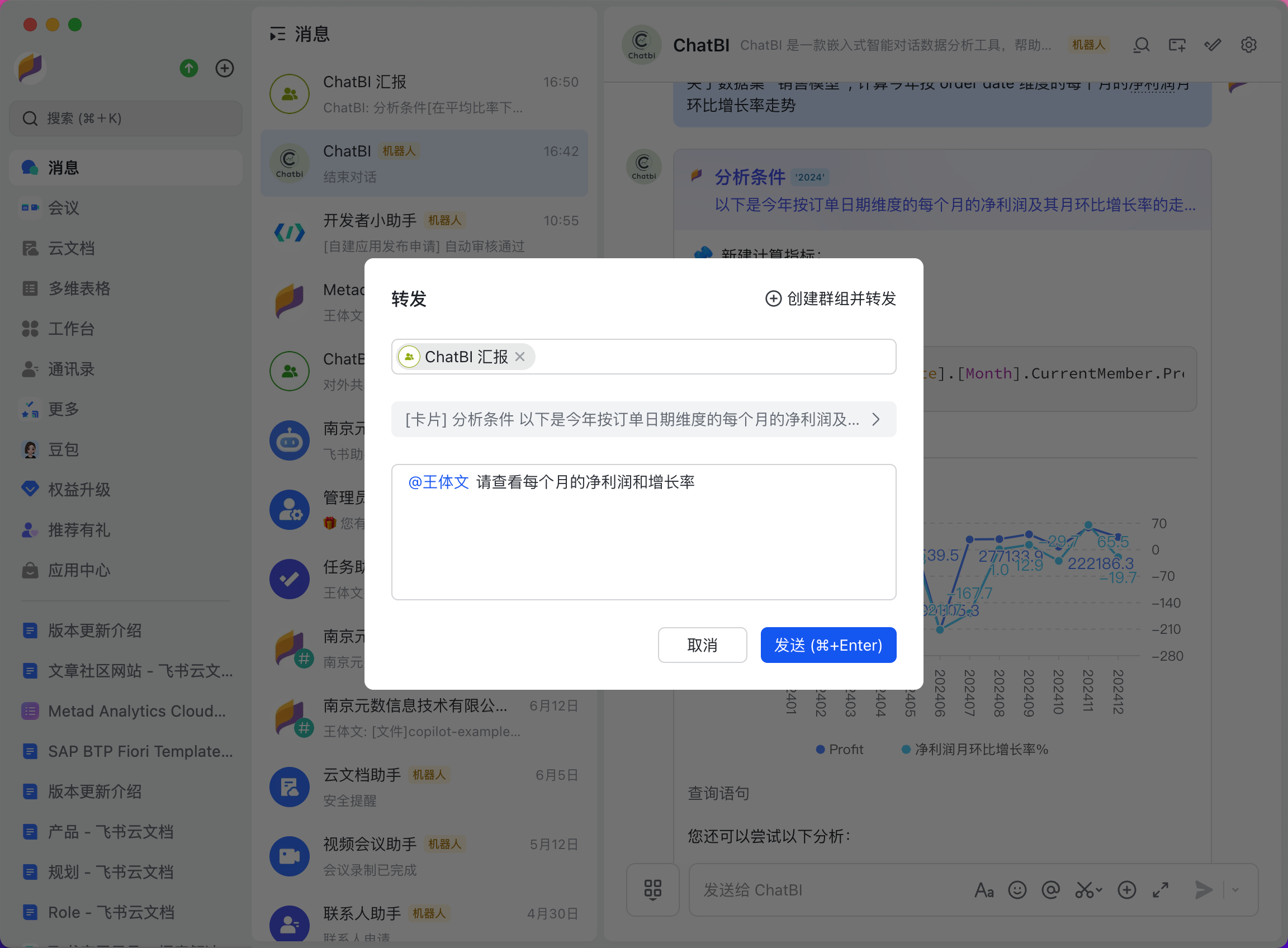 Share the message within the group.
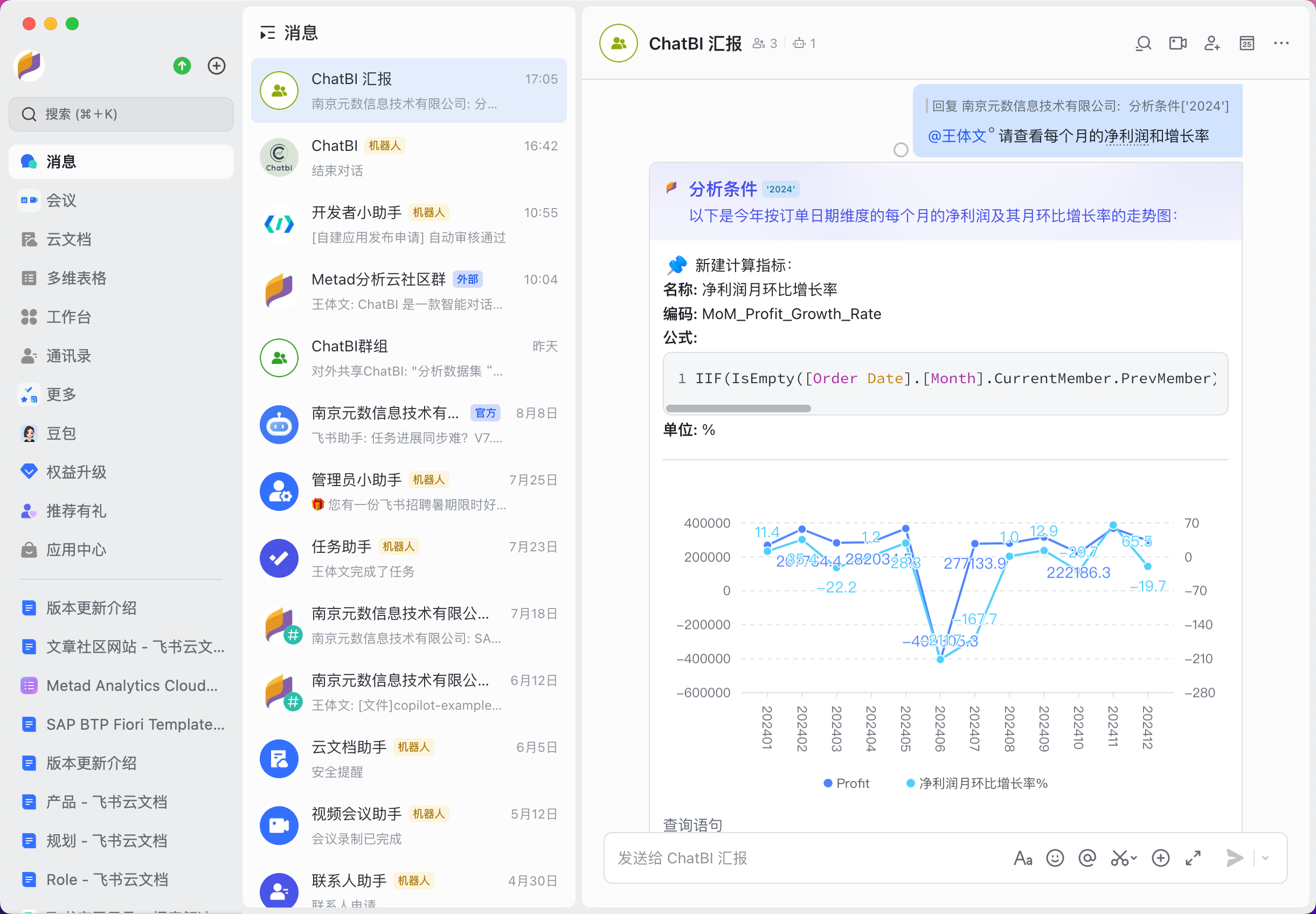
Technical Analysis
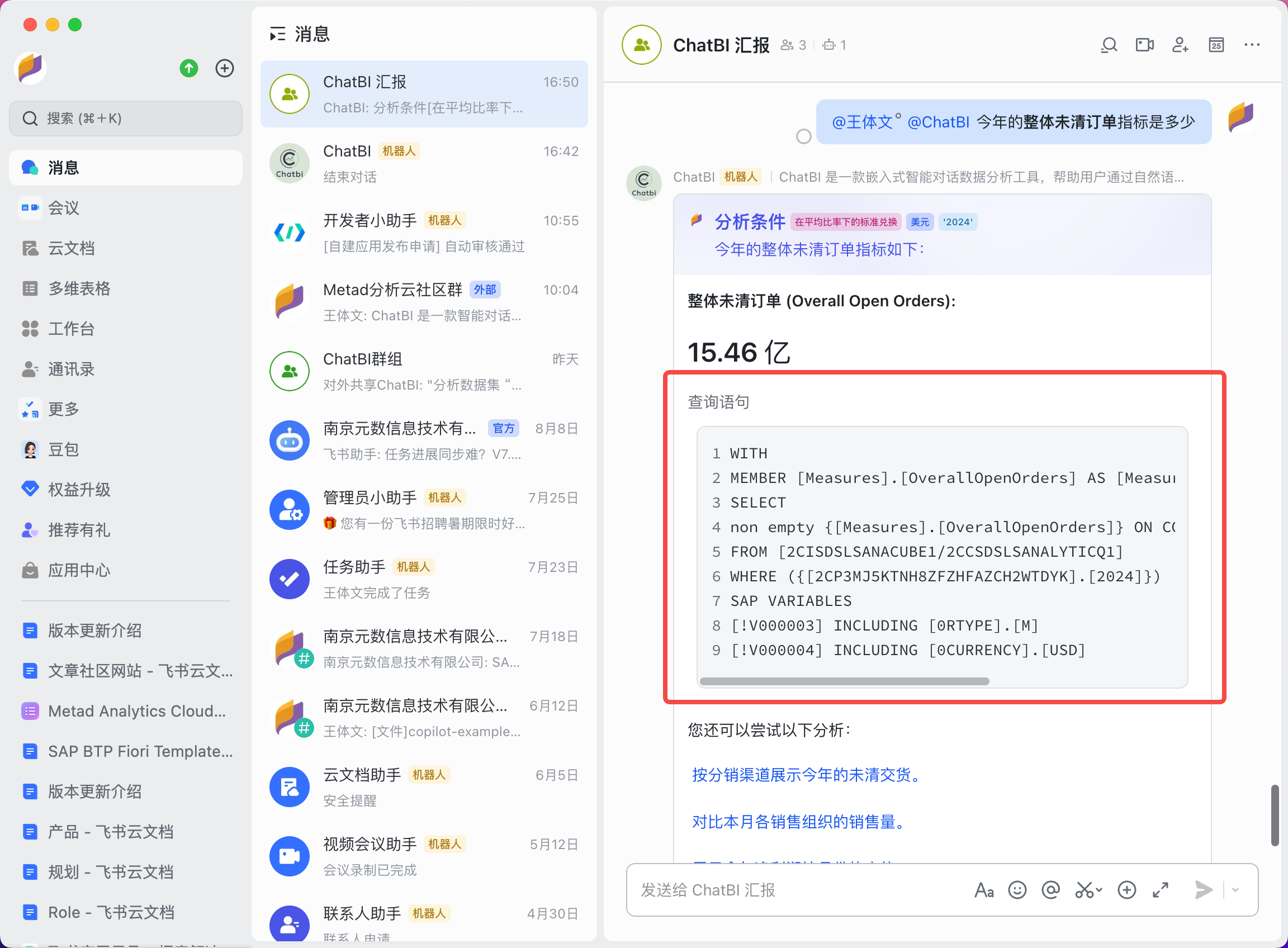
To quickly understand how ChatBI retrieves data, users can open the “Query Statement” button to view the specific query statement. For technical personnel, this allows them to judge whether the answer provided by ChatBI is accurate and make improvements accordingly.
 In the calculated metrics, you can also view the calculation formulas, making it clearer to understand whether the answers provided by ChatBI are accurate and allowing you to upgrade the knowledge base.