

Learn how to design widgets for your chat experience.
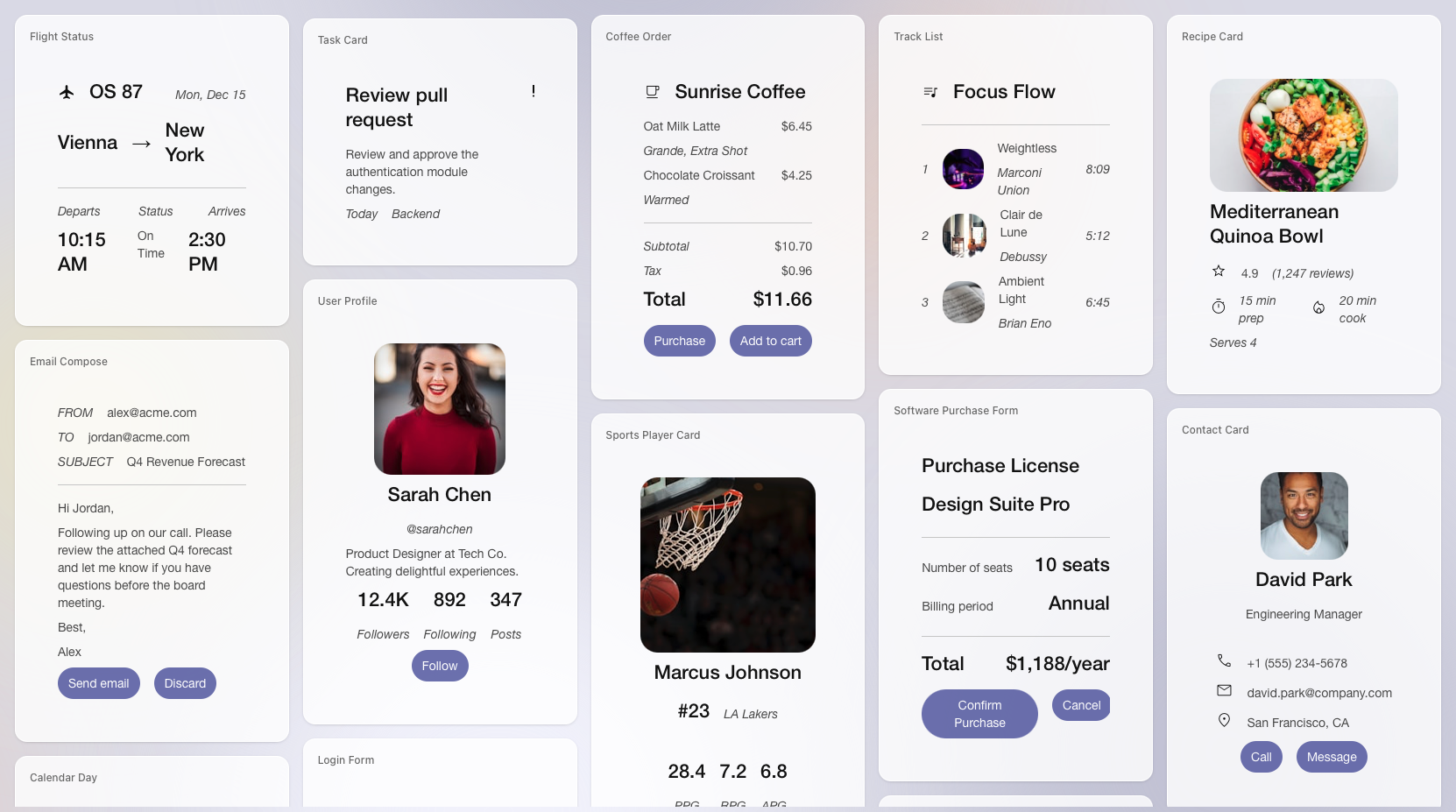
Quickly design widgets
Use the widget builder in A2UI Widget Builder to experiment with card layouts and list rows, and preview components. Once you like the design, copy the generated JSON into your integration and serve it from the backend.Widget middleware
With middleware, the model can return ChatKit widgets via tool calls or structured outputs for the frontend to render. Use middleware to dynamically change widget content, style, or behavior based on user context or preferences.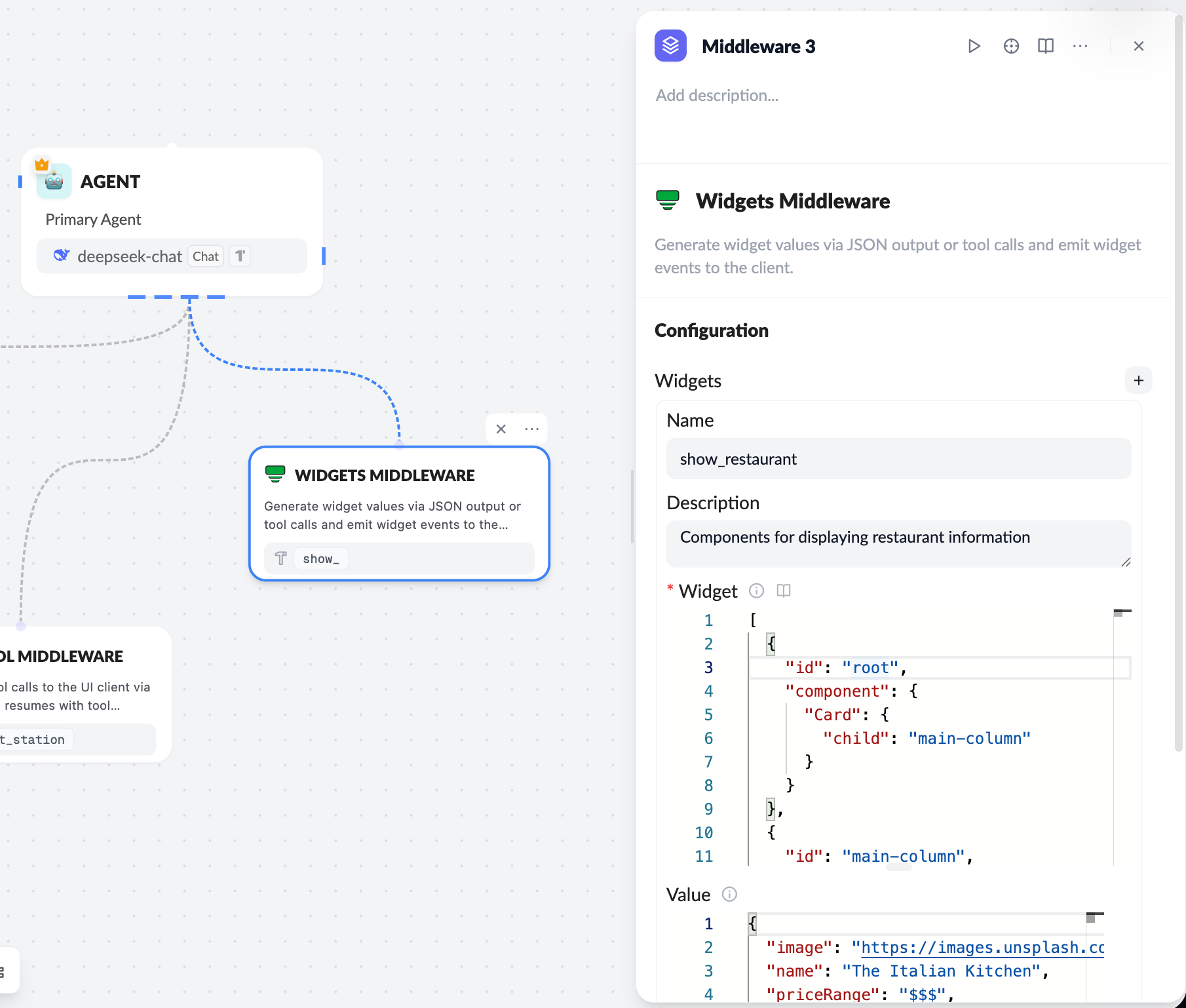
Handle actions on the server
Widget actions let users trigger logic from the UI. Bind actions to widget node events (such as button clicks) and handle them on the server or client integration. Use thewidgets.onAction callback (or the equivalent React hook) to capture widget events. Forward the action payload to your backend for processing.