

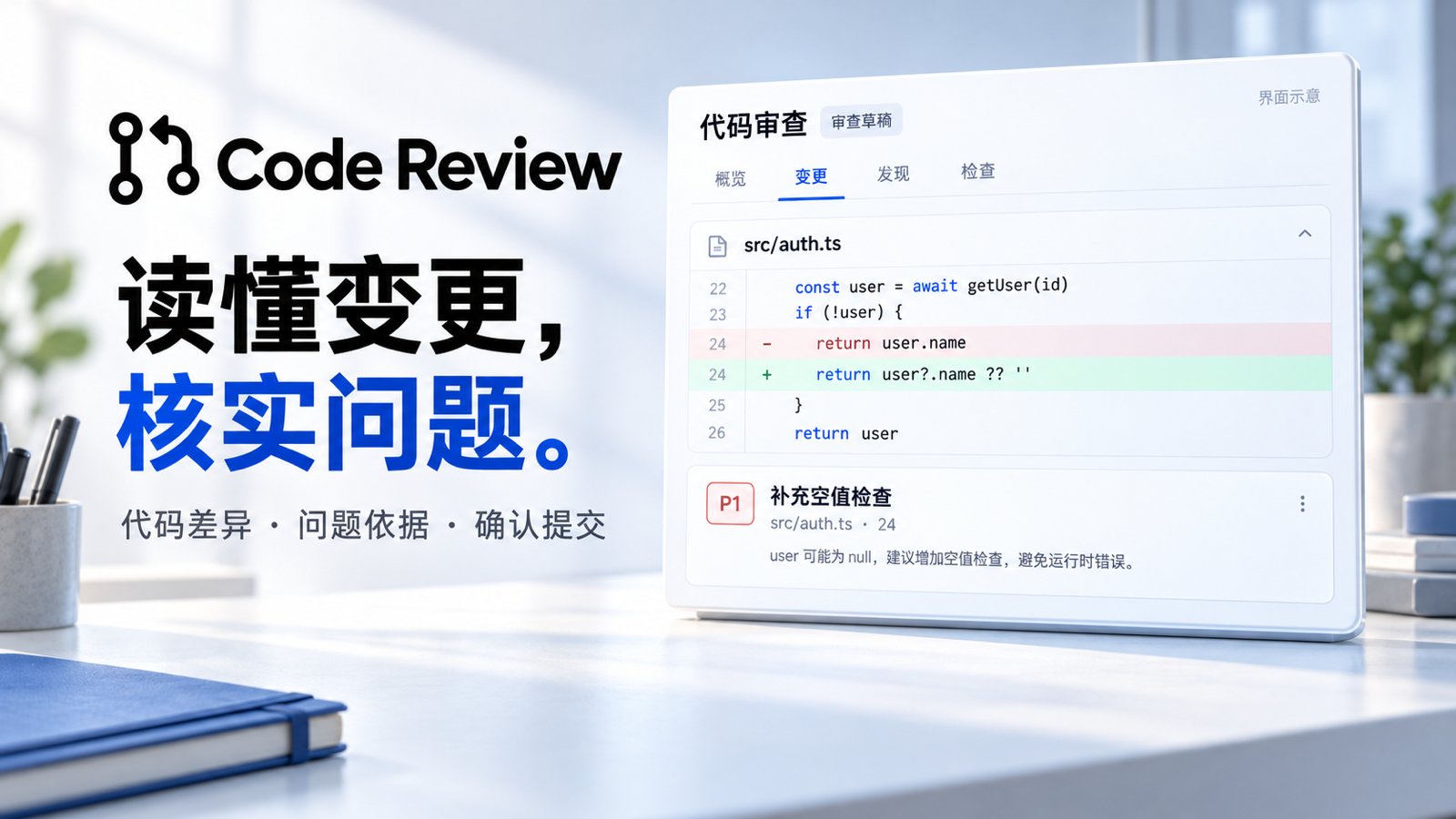
Core capabilities
Get started
An administrator enables the app and grants access, configuring an available primary model for the Assistant. Public PRs can be read directly. Private repositories and review submission require a GitHub account connected in the current workspace with the necessary access.- Open a PR. Enter a GitHub PR URL and choose public or connected access, or open an entry from the PR list.
- Inspect the change. Browse the overview, changed files and checks, confirming the commit and available evidence.
- Start a review. Enter an optional focus and select Review changes. Inspect the summary and findings when it finishes.
- Verify findings. Check the diff and related source, using Ask in conversation to investigate further. Results are saved in Xpert for your review first.
- Confirm submission. Select Submit review, choose findings, edit the message and select Comment, Approve or Request changes, then confirm submission to GitHub.
Focus on authorization checks and concurrent updates. Explain each issue’s triggering conditions, practical impact and code location, and identify any areas you could not inspect.
Enable repository automation
Automatic review requires an administrator to configure a GitHub App and a reachable webhook, then install the App on the target repository. The configuring user also needs a connected GitHub account with write or admin access to that repository. Add a repository under Repositories, open Configure rules, and try an existing open PR before enabling automation. Configure events, base branches, ignored paths, review instructions and daily limits. Trials consume model usage and keep their results private.
Automation starts paused and skips draft PRs and bot-created PRs by default. Bot inclusion and event rules can be adjusted. Automatic publication only comments; it does not approve, request changes or merge PRs. Pause rules at any time while retaining history.
Results and recovery
- New commits: Refresh and review again. Findings from an older commit cannot be submitted directly as the review of the new commit.
- Incomplete coverage: Binary files, large diffs or check records may be unavailable. Follow the coverage notices and inspect missing evidence. The app displays existing checks; an AI review does not establish that tests were run.
- Check GitHub: A network failure can leave submission uncertain. Inspect the PR before deciding what to do next to avoid duplicate publication.