

- Free conversation mode: Users can freely input text, and the AI assistant will respond based on the user’s input.
- Command mode: Users can input specific commands, and the AI assistant will call the corresponding functions based on the commands and input to execute logic.
- OpenAI-type services, including OpenAI and Azure;
- Opensource-type services, such as Ollama.
Chat Window
Once Copilot is enabled, the AI assistant chat window can be used across the entire Xpert Analytics Cloud site, for example, a global chat window can serve as a general copilot for asking any questions.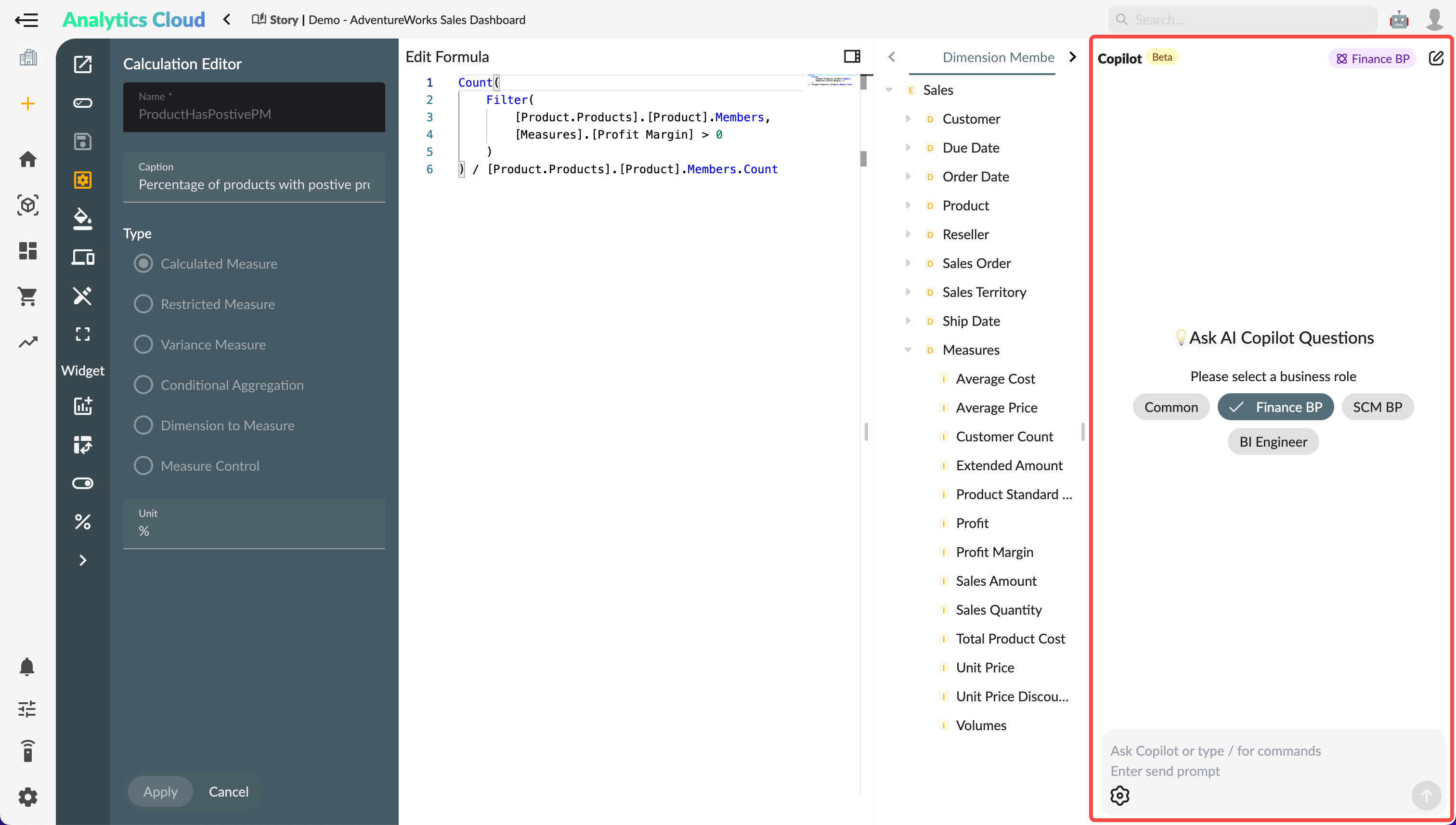
Options
The chat window provides the following configuration options:- Model: Select the AI model to use.
- Temperature: Select the temperature parameter.
- Number of options: Select the number of options to return.
- Interactive: Use interactive mode when running commands; it will pause before or after specific nodes, allowing the user to click continue or end.
- Verbose: Output detailed logs of the command agent.